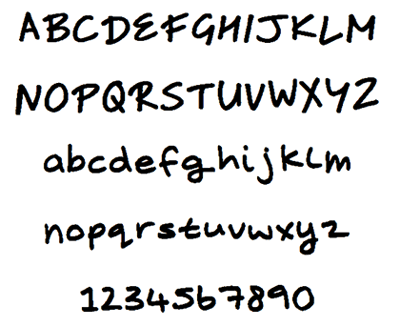
Changing the font and increasing the font size may be both decorative and practical. Large fonts are easier to see. Fonts with serifs are more formal as well as easier to read, but they take up more space. You can change the fonts by selecting the Font pop-up menu just above the writing box in your chat window. You can experiment with each font to see which is best for you. Note that changing fonts may replace the shaded separator bars with outlined placeholders (which may or may not be empty), but forfeiting shaded separator bars is a small price to pay for legibility. Any font changes you make in your chat window are for your eyes only. Other chatters do not see your font selections.
If you change your font size and style and are totally miserable, don’t despair; you can restore the default font. It’s Tahoma, 8 points, Western script.


 With Skype, you can choose how you are notified when someone invites you to a chat. You can have a chat window open immediately when the chat starts, or you can have a pop-up alert tell you that someone is waiting for your attention. You can even decide not to have any obvious alert, although you may still like to have the option of knowing that a chat is about to start.